Papirofy
← Back to Papirofy

How to extract text from a PDF
Papirofy Team · · 2 min read

To quote a document, translate it or analyze it, sometimes you only need its text.
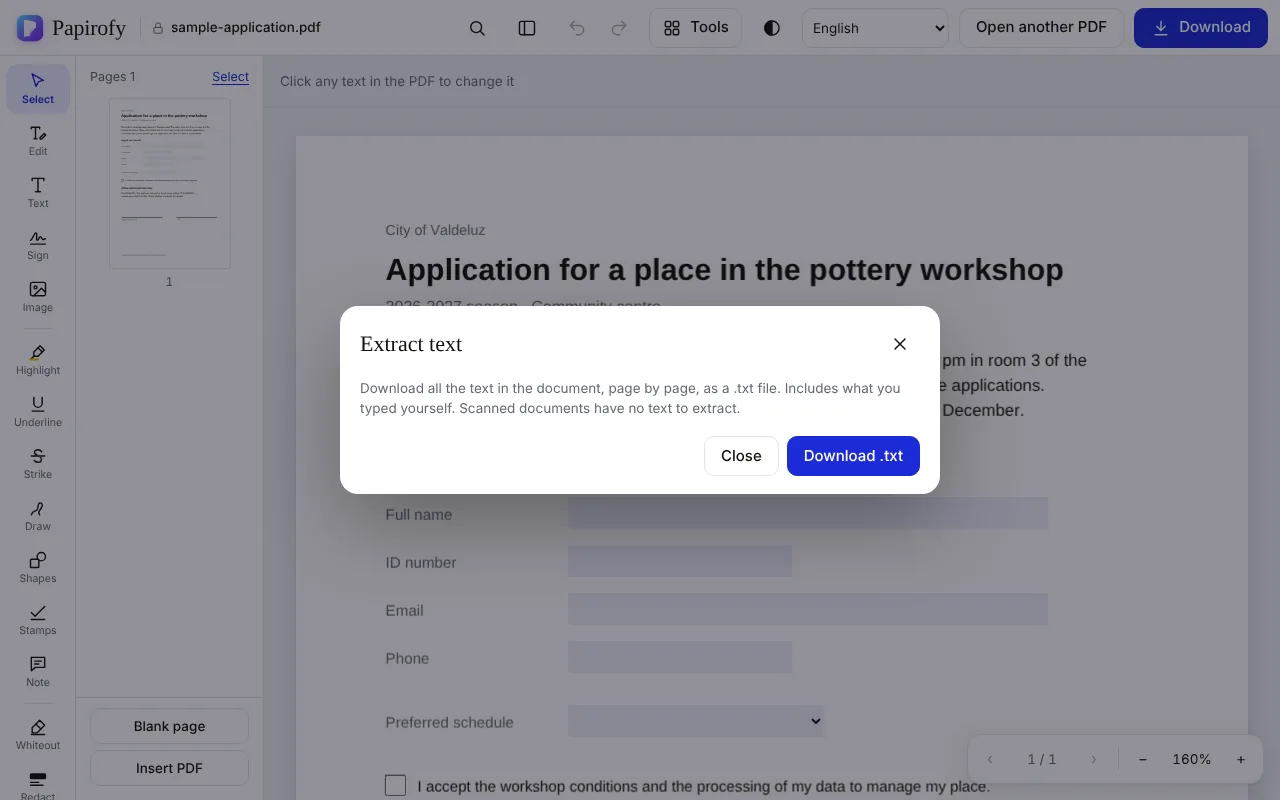
Screenshot of the tool: Extract text from PDF

Step by step

  1. Open Extract text and choose the PDF.
  2. Press Download .txt.
  3. Open the file in any text editor.

Keep in mind

Keep reading

How to edit a PDF for free (nothing to install)Change the text in a PDF, type on top and add images from your browser, free and without uploading the file anywhere.
How to add a watermark to a PDFAdd text such as "DRAFT" or "CONFIDENTIAL" diagonally and semi-transparent on every page.
How to compare two PDFs and see the changesFind out which words were added or removed between two versions of a document, page by page.