Papirofy
← Back to Papirofy

How to compare two PDFs and see the changes
Papirofy Team · · 2 min read

When a contract comes back "with a few small changes", it's worth knowing exactly which ones.
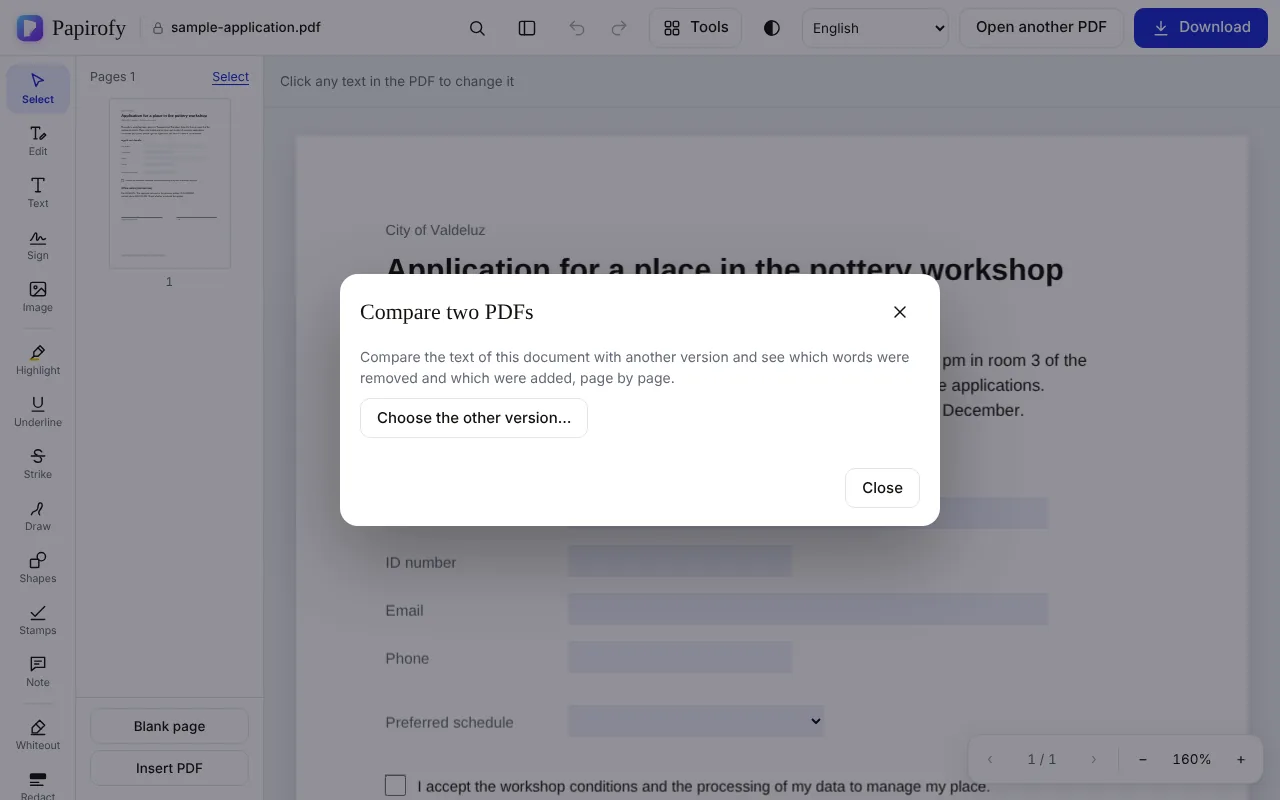
Screenshot of the tool: Compare two PDF files

Step by step

  1. Open Compare two PDFs and choose the first version.
  2. Press Choose the other version….
  3. Page by page, you'll see in red what is only in one document and in green what's new in the other.

Good to know

The comparison is of the text. A scanned document has no text to compare.
Keep reading

How to edit a PDF for free (nothing to install)Change the text in a PDF, type on top and add images from your browser, free and without uploading the file anywhere.
What to include on an invoice: required detailsThe details an invoice can't be missing and how they change by country, with a free template to make one.
Invoice vs receipt: the difference and when to use eachWhat an invoice is, what a receipt is, how they differ and which one you need in each situation.