Papirofy
How to convert PDF to Word for free
Sometimes it's easier to work on the text in Word: rewrite paragraphs, reorder them or use the spell checker. Papirofy converts your PDF to .docx right in your browser.
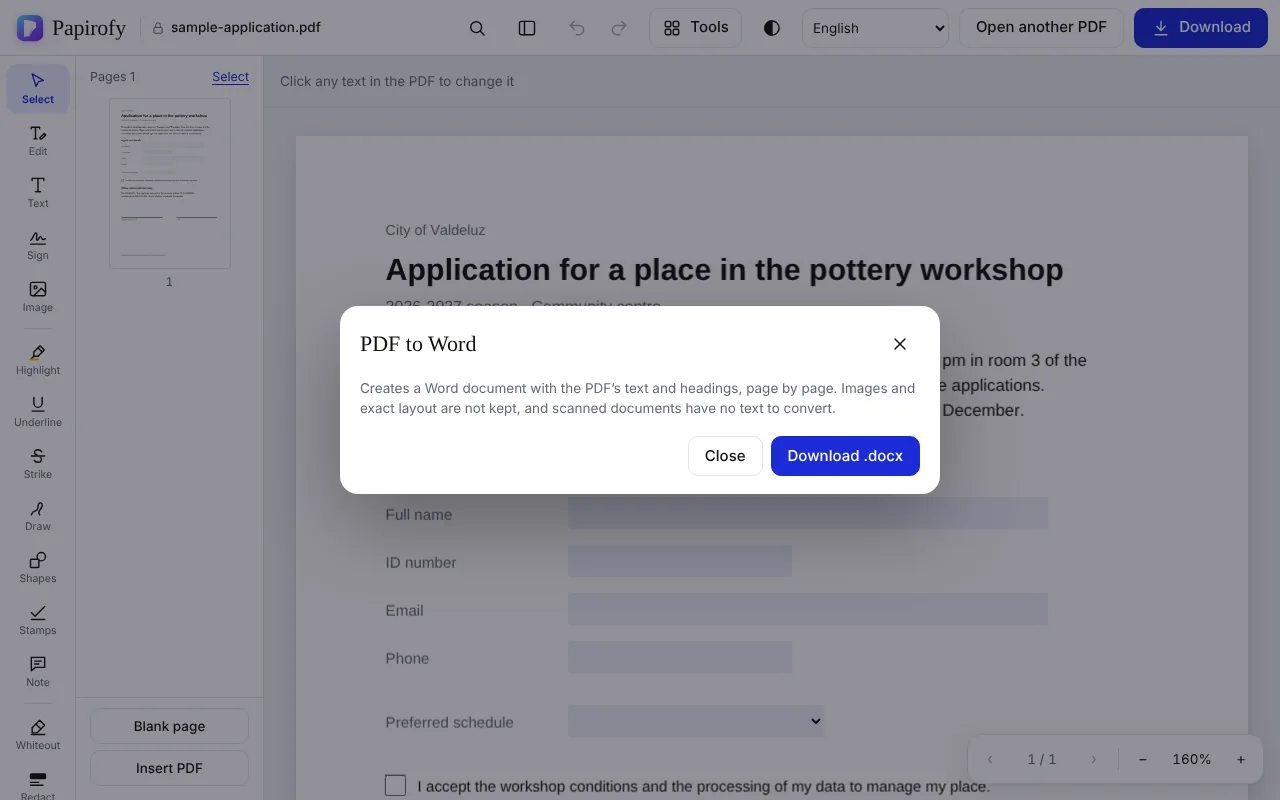
Step by step
- Open PDF to Word and press Choose PDF.
- Read the note and press Download .docx.
- Open the file in Word, Google Docs or LibreOffice and edit away.
What to expect
- The text and headings are kept, page by page.
- Images and the exact layout are not kept: it's ideal for reusing the content, not for an identical copy.
- A scanned PDF has no text to convert.
If you only need to change a few words, it's quicker to edit the PDF directly with the Edit tool.