Papirofy
How to merge PDF files into one for free
Putting invoices, parts of a project or paperwork for an application into one PDF makes it much easier to send.
Step by step
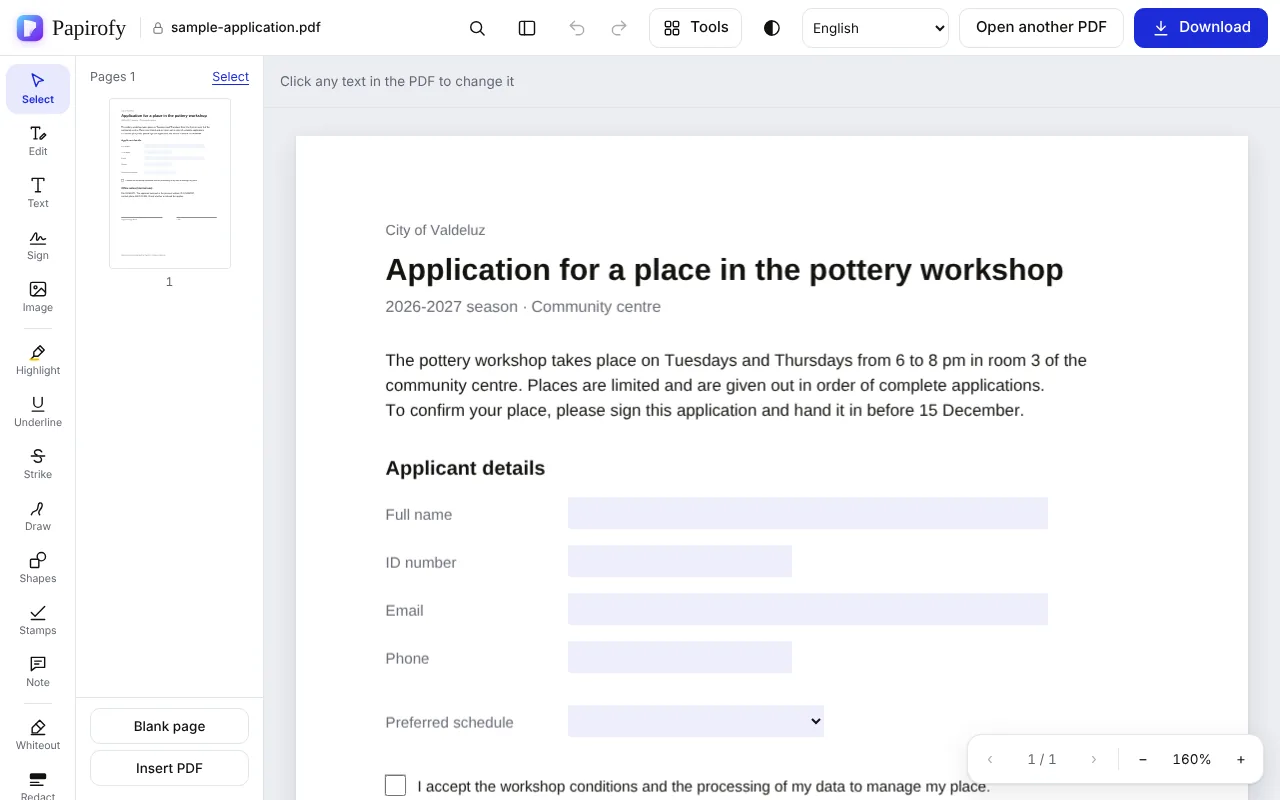
- Open Merge PDF and choose the first document.
- Add the next ones: they go to the end of the open document. You can also drag them onto the window.
- In the Pages panel, drag thumbnails to change the order and delete the ones you don't need.
- Press Download to get a single PDF.
Tips
- You can merge images too: drop them and they become pages.
- If the final file is large, run it through Compress.