Papirofy
How to convert a PDF to JPG or PNG
To post a page on social media, paste it into a presentation or send it on WhatsApp, an image is sometimes more practical.
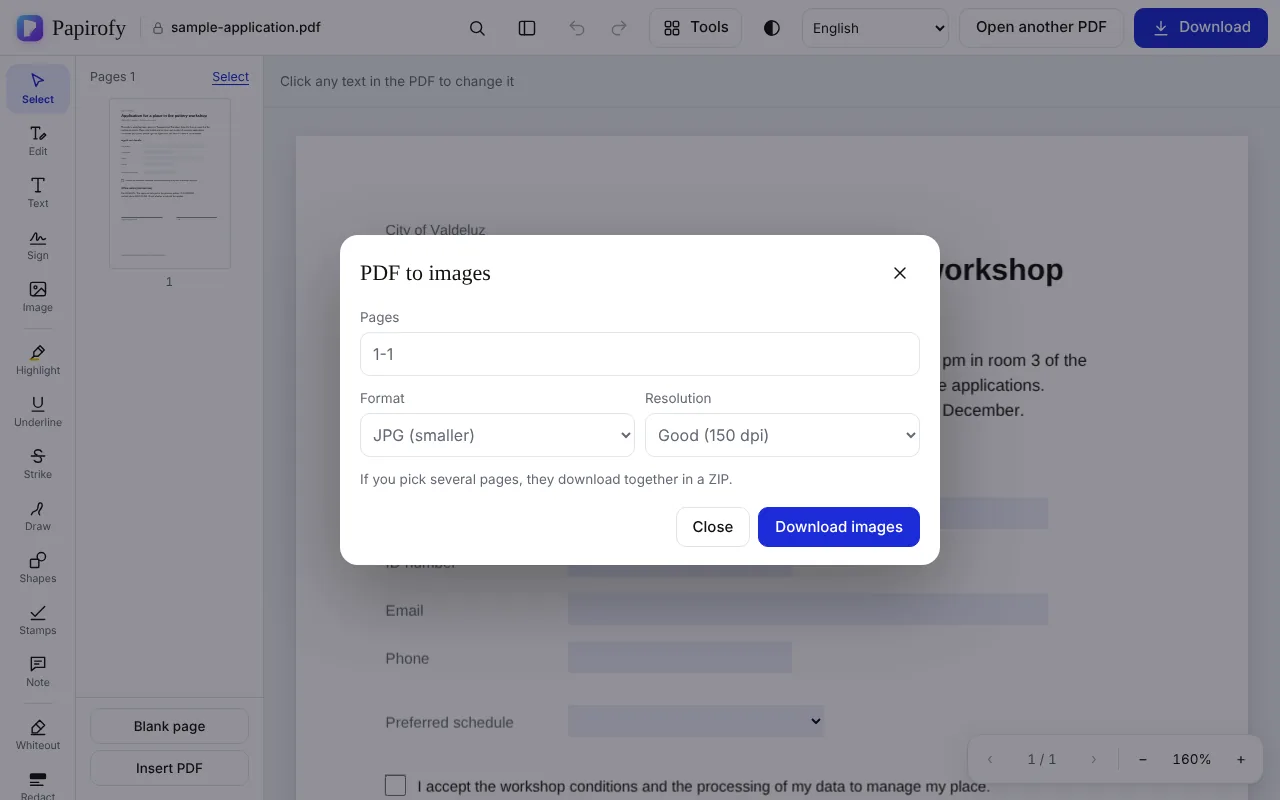
Step by step
- Open PDF to images and choose the PDF.
- Pick the format: JPG (lighter) or PNG (lossless).
- Pick the resolution: screen (96 dpi), good (150 dpi) or print (300 dpi).
- Select the pages and press Download images. Several pages download together in a ZIP.